Restier vs Workrave: Which Break Reminder App Is Right for You?
An honest comparison of two popular break reminder apps, examining their strengths, differences, and ideal use cases to help you choose the right tool.
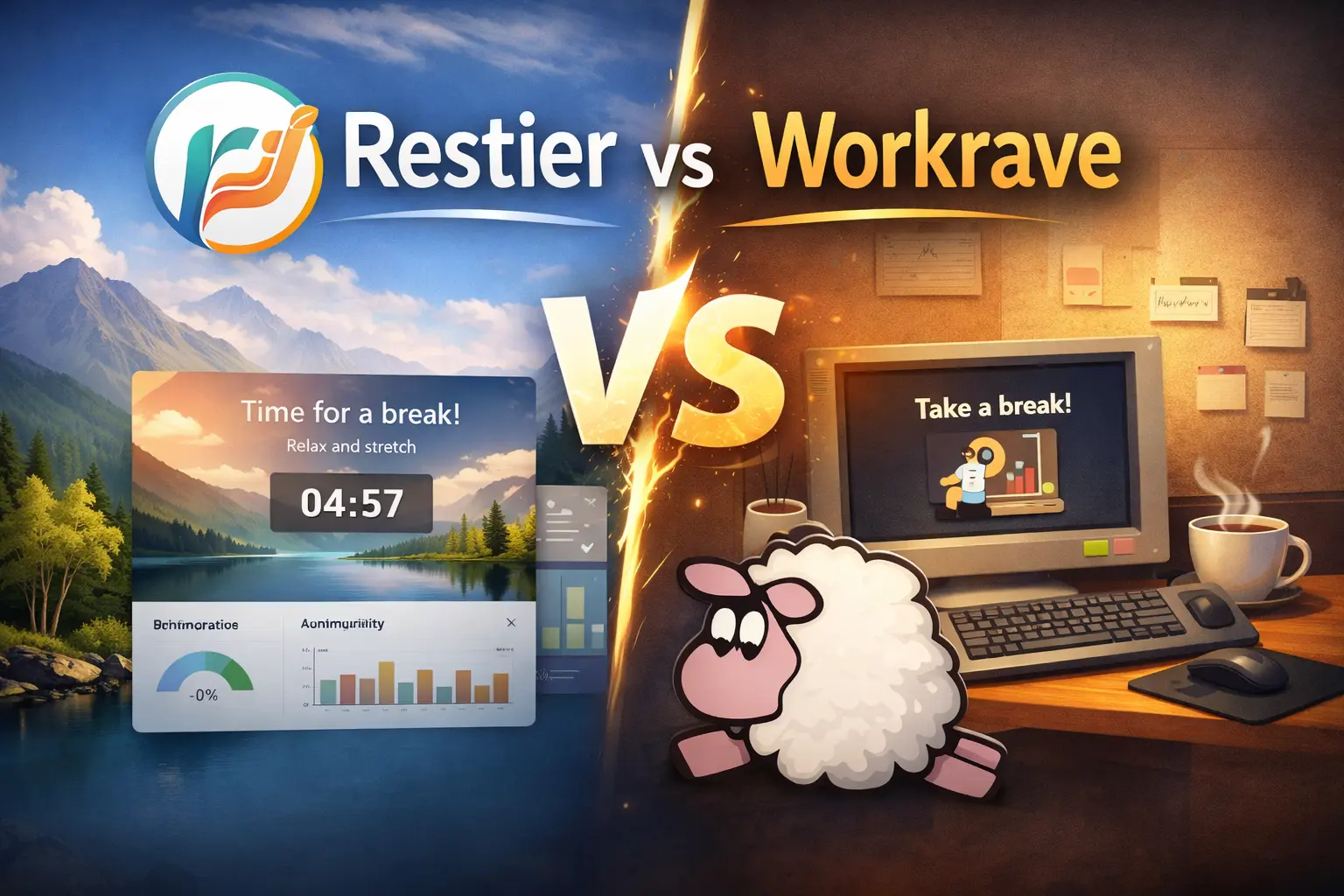
Choosing a break reminder app is more personal than it seems. Your ideal tool depends on your work style, technical comfort, platform needs, and how you prefer to be reminded to rest.
Two apps consistently appear in these conversations: Workrave and Restier. Both help desk workers take regular breaks, but they approach the problem differently.
This comparison examines both tools honestly—including where each one excels and where it falls short. The goal is to help you choose the right fit, not declare a universal winner.
What Workrave Does Well
Workrave has been helping people prevent Repetitive Strain Injury (RSI) since 2001. It’s a mature, proven solution with a clear focus.
Strengths of Workrave
1. Completely Free and Open Source Workrave is licensed under the GNU General Public License v3.0. It is free to download and use, and its source code is available for anyone to inspect or modify under the terms of that license.
2. RSI-Focused Design Workrave was built specifically to assist in the recovery and prevention of repetitive strain injury (RSI). It includes guided stretching exercises with an animated character (“Miss Workrave”) that demonstrates movements during rest breaks.
3. Three-Tier Break System By default, Workrave is configured around a three-tier structure:
- Microbreaks: Short pauses every few minutes to release tension and rest your eyes
- Rest breaks: Longer breaks after extended periods of work to walk, stretch, and recover
- Daily limit: Tracks total computer time and prompts you to stop for the day
All of these timings are fully configurable, so you can adapt them to your own needs and preferences. This kind of pattern is similar to common recommendations for RSI prevention.
4. Smart, Non-Intrusive Reminders Workrave shows a gentle reminder that automatically moves out of the way, letting you finish your current sentence or thought before the break starts. If you ignore it, the app adapts—either forcing the break or trying again later, depending on your settings.
5. Detailed Usage Statistics Workrave tracks breaks taken, ignored, and postponed across daily, weekly, and monthly views. You can see patterns in your behavior and adjust accordingly.
6. Highly Configurable Nearly every aspect is adjustable: break durations, intervals, enforcement strictness, exercise selection, and more.
Where Workrave Shows Its Age
- Interface feels dated: The UI hasn’t changed much since the early 2000s
- No macOS support: Only available on Windows and Linux
- Limited visual polish: Functional, but not designed for aesthetics
- No modern features: No meeting detection, no multi-monitor overlays, no cloud sync
Workrave does exactly what it was designed to do—and does it reliably. But if you want a more modern experience or use macOS, you’ll need to look elsewhere.
What Restier Does Well
Restier is a newer app built around the Pomodoro technique with modern productivity features and cross-platform support.
Strengths of Restier
1. Cross-Platform Native Apps
Restier runs natively on Windows, macOS, and Linux with consistent performance. If you switch between devices or operating systems, Restier follows you.
2. Modern, Calming Interface
Restier uses full-screen break overlays with smooth transitions and calming, nature-inspired backgrounds. The UI is designed to feel calming, not intrusive, so breaks feel like a small reset instead of an interruption. You can customize backgrounds to match your preferences.
3. Multi-Monitor Support
Break overlays appear on all connected monitors simultaneously, so you can’t “escape” a reminder simply by looking at another screen.
4. Smart Meeting and Idle Detection
Restier automatically pauses when you step away from your computer and resumes when you return. It can also pause break reminders automatically during online meetings (Zoom, Meet, Teams, and more), so you avoid awkward interruptions while still keeping your schedule on track.
5. Posture and Eye-Health Focus
Beyond simple timers, Restier helps you build healthier habits with reminders to rest your eyes and maintain good posture throughout the day.
6. Detailed Statistics and Streaks
Restier tracks your break habits with daily and weekly stats. You can see how many breaks you complete, your streaks, and your overall consistency, which makes it easier to build long-term habits.
7. Pre-Break Alerts
Before a break starts, Restier can show a short pre-break alert so you have time to save your work or finish a thought. If needed, you can postpone from that warning instead of being surprised by a full-screen overlay.
8. Tray Controls and Flexible Schedules
Restier lives in your system tray or menu bar for quick access. From there you can see timers at a glance, pause or resume, and adjust settings. You can customize work sessions and breaks in a Pomodoro-style pattern or set up your own schedule to match the way you work.
Where Restier Falls Short
- Not free: 14-day trial, then €7.99/year or €19.99 lifetime
- No guided exercises: Restier doesn’t show stretching or movement exercises during breaks
- Less RSI-specific: Designed for general productivity and health, not specifically for RSI prevention
- Newer software: Less battle-tested than Workrave (2024 vs 2001)
Direct Comparison: Key Differences
| Feature | Workrave | Restier |
|---|---|---|
| Price | Free (GPL v3) | €7.99/year or €19.99 lifetime (14-day trial) |
| Platforms | Windows, Linux | Windows, macOS, Linux |
| UI Style | Functional, dated | Modern, polished |
| Break Philosophy | RSI prevention (frequent micro-breaks) | Pomodoro productivity (longer work blocks) |
| Guided Exercises | ✅ Yes (animated) | ❌ No |
| Multi-Monitor | ❌ No | ✅ Yes (all monitors) |
| Meeting Detection | ❌ No | ✅ Yes (mic/camera) |
| Light Break Mode | ❌ No | ✅ Yes (floating panel) |
| Daily Work Limit | ✅ Yes | ✅ Yes |
| Statistics | ✅ Yes (detailed) | ✅ Yes (with graphs) |
| Global Hotkeys | ⚠️ Limited | ✅ Yes (fully customizable) |
| Customization | ✅ High | ✅ High |
| Open Source | ✅ Yes | ❌ No |
| Development | Active (since 2001) | Active (since 2024) |
Which One Should You Choose?
Choose Workrave if you:
- Need a completely free, open-source solution
- Are focused specifically on preventing RSI
- Want guided stretching exercises during breaks
- Prefer frequent micro-breaks (every 3 minutes)
- Use Windows or Linux only
- Value software maturity and long-term stability
- Don’t care about modern UI design
Choose Restier if you:
- Use macOS (or switch between multiple operating systems)
- Prefer the Pomodoro technique (longer focus blocks)
- Work with multiple monitors
- Join frequent video meetings and need automatic detection
- Value modern, aesthetically pleasing interfaces
- Want flexible break modes (fullscreen or light panel)
- Need detailed statistics with visual graphs
- Are willing to pay for a polished, actively developed product
Can You Use Both?
Technically, yes—but it’s not recommended. Running two break reminder apps simultaneously will create conflicting timers, duplicate notifications, and confusion about when to actually take breaks.
Pick one, commit to it for at least 2 weeks, and evaluate whether it fits your workflow. You can always switch later.
The Bigger Picture: Consistency Matters More Than Features
Both Workrave and Restier solve the same fundamental problem: we forget to take breaks when we’re focused.
The “best” app is the one you’ll actually use consistently. A simple tool you stick with beats a feature-rich app you ignore.
Consider these questions:
- Which interface makes you feel more motivated to take breaks?
- Which break schedule aligns with your natural work rhythm?
- Do you need cross-platform support or is one OS enough?
- Is cost a factor, or is the experience worth paying for?
Other Alternatives Worth Considering
If neither Workrave nor Restier feels quite right, explore these alternatives:
- Stretchly (free, open-source, cross-platform) - Middle ground between Workrave and Restier
- Time Out (macOS only, freemium) - Native macOS experience
- Big Stretch Reminder (Windows only, free) - Simple and lightweight
- Awareness (macOS only, donation-based) - Minimalist timer-based approach
Final Thoughts
Workrave is a proven, free tool with a laser focus on RSI prevention. It’s reliable, configurable, and has helped thousands of people avoid injury over two decades.
Restier is a modern, cross-platform app that blends productivity (Pomodoro) with health (break enforcement). It’s designed for people who want a polished experience and are willing to pay for it.
Neither is objectively “better.” They’re built for different users with different priorities.
Try Restier’s 14-day trial if you’re curious about the modern approach. Install Workrave if you want a free, battle-tested RSI prevention tool.
Either way, the most important decision isn’t which app you choose—it’s whether you commit to taking breaks in the first place.
Your eyes, wrists, back, and brain will thank you.