Microbreak Reminders and Wellness Nudges for Desk Work
Learn how small posture, movement, eye, breathing, and hydration reminders can make healthier desk-work habits easier without interrupting your flow.
Try the guided, meeting-aware alternative
Try Restier free for 14 days if you want calmer breaks, posture and eye reminders, and fewer awkward interruptions during real work.
Most desk-work advice is easy to understand and hard to repeat.
You already know you should move more, rest your eyes, loosen your shoulders, breathe a little slower, and keep water nearby. The hard part is remembering those tiny actions while you are deep in work.
That is where microbreak reminders help.
A good microbreak reminder is not a second productivity system. It is a small cue that appears at the right time, asks for one useful action, and then gets out of the way.
In Restier 1.8.1, we added wellness nudges for exactly that purpose.
What Is a Wellness Nudge?
A wellness nudge is a compact reminder that appears while you are working and suggests one small reset.
It is different from a full break:
- it does not take over your screen;
- it does not replace Pomodoro-style breaks;
- it does not ask you to start a long routine;
- it can disappear automatically after a short moment;
- it is meant to be easy to accept or ignore without friction.
Think of it as a lightweight prompt between bigger breaks.
Where a normal break says, “stop working now,” a nudge says, “while you are here, reset one small thing.”
Why Small Nudges Work Better Than Big Intentions
Many people fail at healthy desk habits because the habit is too large for the moment.
If a reminder asks you to do a complete stretch routine during a busy workday, you may dismiss it. If it asks you to roll your shoulders twice, shift your gaze across the room, or take one slower exhale, you are more likely to comply.
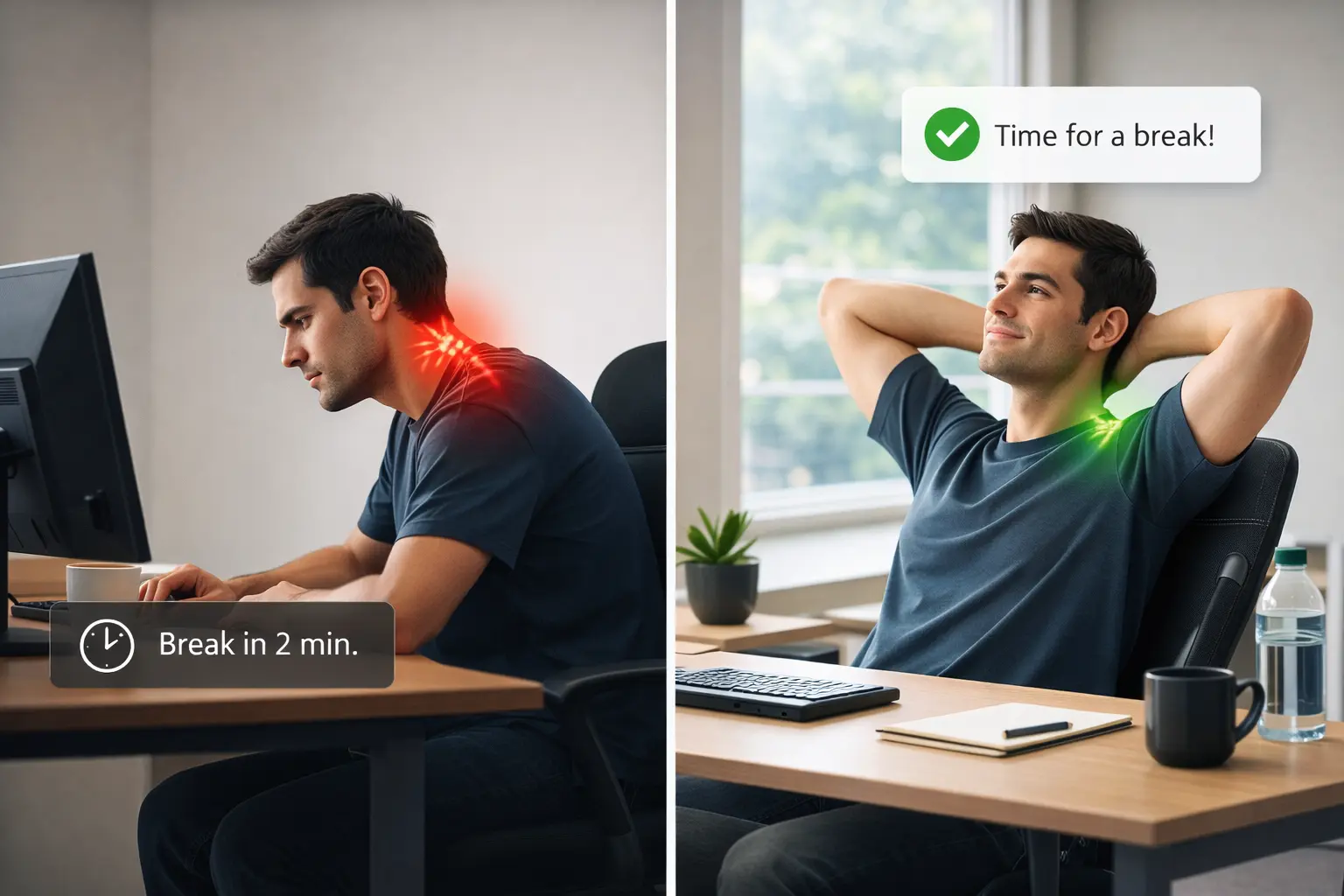
That matters because desk strain often builds in tiny increments:
- shoulders creep upward;
- eyes stay locked at near distance;
- breathing gets shallow during intense focus;
- posture collapses into the same position;
- water sits nearby but goes untouched.
Small actions are not magic, and they are not medical treatment. But they can interrupt the pattern before it becomes your default state for the whole day.
Microbreak Reminders vs Full Break Reminders
Full break reminders and microbreak reminders solve related but different problems.
Full break reminders
Full breaks are for a more complete reset. They work well when you need to stand up, step away, rest your eyes, or follow a guided break sequence.
In Restier, full breaks can use fullscreen overlays, light break mode, guided break content, and configurable work/break cycles.
Microbreak nudges
Microbreak nudges are smaller. They are useful when you are still in a work block but could benefit from one low-effort adjustment.
For example:
- “Look far away.”
- “Drop your shoulders.”
- “Take one calmer breath.”
- “Bring water closer.”
- “Place both feet on the floor.”
The point is not to interrupt the work. The point is to prevent the work from quietly locking your body into the same pattern for too long.
The Five Nudge Categories in Restier
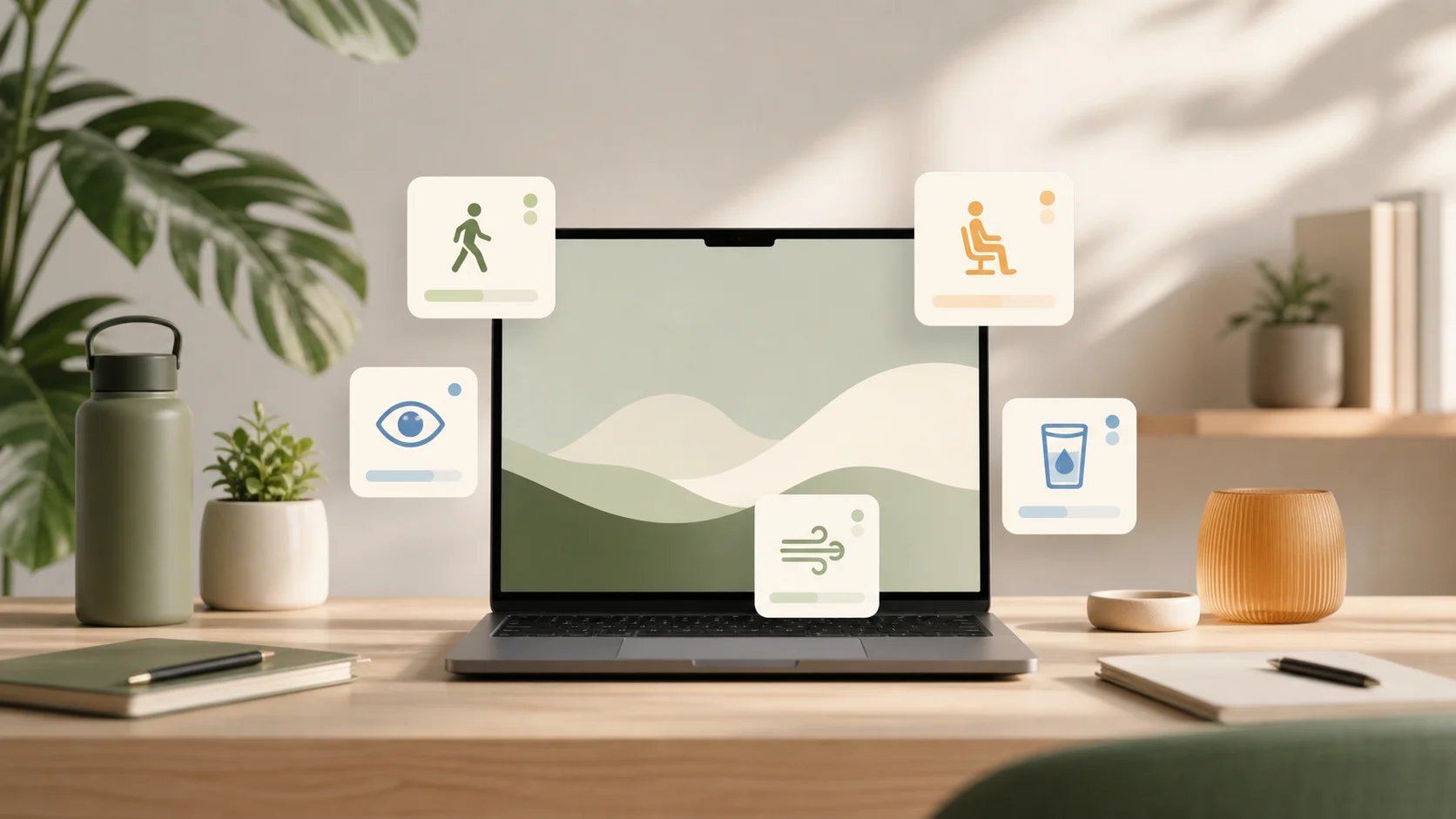
Restier 1.8.1 includes five wellness nudge categories.
1. Movement
Movement nudges suggest tiny physical resets such as standing tall for a moment or rolling your shoulders slowly.
These are useful when you do not need a full workout or a long stretch. You just need to stop being frozen in one position.
2. Posture
Posture nudges focus on simple setup cues: feet on the floor, screen height, shoulder position, and other small checks that are easy to forget.
Good posture is not about staying rigid. It is about avoiding one fixed shape for hours.
3. Vision
Vision nudges help interrupt screen stare.
They can prompt you to look across the room, blink slowly, or soften your face before returning to the screen. If eye strain is your main issue, pair these with the 20-20-20 rule.
4. Breathing
Breathing nudges are intentionally small. One slower exhale can be enough to break momentum and lower unnecessary tension.
They are not meditation sessions. They are quick resets that fit into a real workday.
5. Hydration
Hydration nudges are simple water cues without pressure. Restier does not track intake or make medical claims. It just helps keep the reminder visible enough that you can act if it makes sense.
Sometimes the useful action is not “drink now.” It is “put the bottle within reach.”
What Makes a Good Microbreak Reminder App?
If you are comparing microbreak reminder apps, look for behavior more than feature count.
If you are deciding between scheduled cues and camera or headphone-based feedback, use our ergonomic reminder app guide. It explains when a timer is enough and when posture tracking answers a different need.
A useful app should:
- let you choose how often nudges appear;
- support different reminder themes;
- avoid meetings and focus modes;
- pause when you are idle or away;
- avoid competing with full break overlays;
- let the nudge close automatically;
- keep the prompt short enough to act on quickly.
This is where many basic timers fall short. They can tell you when a break is due, but they do not always understand when a reminder would be awkward, redundant, or easy to dismiss.
New in Restier 1.8.1: Wellness Nudges
Restier 1.8.1 adds a new wellness nudge layer alongside the existing break system.
You can configure:
- whether wellness nudges are enabled;
- how frequently they appear;
- how long they stay visible before auto-dismiss;
- which categories Restier can rotate through;
- where the nudge appears on screen.
Restier also applies context checks before showing a nudge. Nudges are suppressed when you are in a meeting, in no-interruptions mode, outside working hours, idle, already near a break, or when another break surface is active.
That keeps the feature lightweight. A wellness nudge should feel like a helpful cue, not another thing fighting for attention.
How to Use Nudges Without Making Them Annoying
Start conservative.
If you are new to microbreak reminders, try a lower frequency first. You can always increase it later.
A practical setup:
- enable movement, posture, vision, breathing, and hydration;
- start with a moderate interval;
- keep auto-dismiss enabled;
- place the nudge in a corner instead of the center;
- leave full breaks for deeper resets.
After a few days, adjust based on what you actually do. If you dismiss every prompt, reduce frequency. If you act on one or two categories but ignore the rest, narrow the category mix.
The goal is not maximum reminders. The goal is sustainable reminders.
When You Still Need Full Breaks
Wellness nudges are not a replacement for proper breaks.
You still need longer moments away from the screen, especially during long desk-bound days. Nudges are best used alongside:
- scheduled short and long breaks;
- guided breaks for posture, breathing, mobility, and eye relief;
- meeting-aware break timing;
- idle-aware behavior that does not punish you for stepping away.
If your main issue is neck or back pain, start with the broader guide to reducing neck and back pain while working at a desk. If you are comparing apps, see the best break reminder apps in 2026.
Final Thought
The best healthy desk habit is the one that survives a busy day.
That is why wellness nudges are small by design. They do not try to turn Restier into a fitness app or a medical tracker. They simply make the next useful action easier to notice.
If you want a break reminder app that supports bigger breaks and smaller in-flow resets, download Restier and try wellness nudges in Restier 1.8.1.